

Website speed can make or break your local business online. Just a one-second delay in page load can reduce customer satisfaction by 16 percent and slash conversions by 7 percent. And yet, many business owners are shocked to find their site running slower than they ever realized. Faster isn’t always just about fancy tech upgrades. Sometimes the biggest wins come from fixing simple mistakes most people overlook.
Table of Contents
- Step 1: Assess Your Current Website Speed
- Step 2: Identify Bottlenecks Affecting Performance
- Step 3: Optimize Images And Media Files
- Step 4: Minimize Http Requests And Combine Files
- Step 5: Leverage Browser Caching And Cdns
- Step 6: Test Website Speed And Verify Improvements
Quick Summary
| Key Point | Explanation |
|---|---|
| 1. Assess Your Current Website Speed | Use tools like Google PageSpeed Insights to establish performance baselines. Document metrics to track future improvements. |
| 2. Identify Performance Bottlenecks | Analyze your website with Chrome Developer Tools to pinpoint elements causing slow load times, such as large images or scripts. |
| 3. Optimize Images and Media Files | Convert images to efficient formats like WebP and compress them to enhance load speeds. Dynamic image serving improves responsiveness across devices. |
| 4. Minimize HTTP Requests | Combine CSS and JavaScript files to cut down on requests. Use modern tools to streamline file management for faster loading. |
| 5. Utilize Browser Caching and CDNs | Implement caching and CDNs to reduce server load and deliver content quickly by serving files from nearby locations. |
Step 1: Assess Your Current Website Speed
Optimizing website speed begins with understanding your current performance baseline. Before making any technical improvements, you need a comprehensive snapshot of how your website currently performs across different devices and network conditions. This critical first step will help you identify specific areas where your local business website might be experiencing speed bottlenecks.
Start by utilizing free diagnostic tools that provide detailed performance insights. Google PageSpeed Insights offers an excellent starting point, generating comprehensive reports about your website’s mobile and desktop performance. When you enter your website URL, the tool will analyze multiple performance metrics and provide a score between 0 and 100. A score below 50 indicates significant room for improvement, while scores above 80 suggest your website is performing reasonably well.
Beyond automated tools, conduct manual speed tests from different geographic locations to simulate real-world user experiences. Key performance indicators to examine include total page load time, time to first byte, and render-blocking resources. Pay special attention to how your website performs on mobile devices, as many local business customers will access your site through smartphones.
Below is a comparison table summarizing popular website speed testing and diagnostic tools referenced in this guide, with their main usage and notable features for local business websites.
| Tool Name | Main Usage | Notable Features |
|---|---|---|
| Google PageSpeed Insights | Analyze performance on mobile and desktop | Performance score, improvement suggestions |
| Pingdom | Measure server response times | Detailed load time analysis, easy to use |
| GTmetrix | Comprehensive speed testing | Waterfall charts, resource breakdown |
| Chrome Developer Tools | In-depth resource diagnostics | Real-time analysis, network waterfall |
| WebPageTest | Simulate global user experiences | Multi-location tests, advanced reporting |
Your speed assessment should also involve checking performance across multiple browsers like Chrome, Firefox, and Safari. Different browsers can render websites differently, potentially impacting loading times. Western Carolina University’s research recommends comprehensive testing to ensure consistent performance.
Once you have gathered performance data, document your current metrics as a baseline. This will help you track improvements and understand the impact of future optimization efforts. Learn more about our website performance optimization services to get professional insights tailored to your local business needs.
Step 2: Identify Bottlenecks Affecting Performance
After establishing your website’s baseline speed, the next critical phase is pinpointing specific performance bottlenecks that slow down your local business website. Performance bottlenecks are technical barriers preventing your site from loading quickly and smoothly, directly impacting user experience and potential customer conversions.
Deep dive into performance analysis using Chrome Developer Tools, which provides an extensive diagnostic environment for understanding your website’s loading behavior. Open the browser’s developer tools by pressing F12 or right-clicking and selecting “Inspect”. Navigate to the “Network” tab, which reveals a detailed waterfall chart showing how each website resource loads. Pay close attention to resources with longer load times, particularly images, scripts, and external libraries that might be unnecessarily consuming bandwidth.
Leverage Web.dev’s performance guide to systematically evaluate performance constraints. Large, unoptimized image files frequently emerge as primary culprits in slowing website performance. Examine each image’s file size and format, identifying opportunities for compression or replacement with more efficient file types like WebP. JavaScript and CSS files can also create significant rendering delays, especially when they block initial page loading.
Server response time represents another critical performance factor for local businesses. Slow server responses can negate even the most optimized front-end configurations. Utilize tools like Pingdom or GTmetrix to measure server response times and identify potential hosting infrastructure limitations. A server consistently taking more than 200 milliseconds to respond signals an urgent need for infrastructure upgrades or migration to a more robust hosting solution.
Discover how our website optimization services can help transform your site’s performance. By methodically identifying and addressing these bottlenecks, you create a faster, more responsive online experience that keeps potential customers engaged and reduces bounce rates.
Step 3: Optimize Images and Media Files
Images and media files are frequently the most significant performance bottlenecks for local business websites. Unoptimized visual content can dramatically slow page loading times, causing potential customers to abandon your site before engaging with your content. This step focuses on transforming your media assets into lean, efficient components that enhance rather than hinder website performance.
Start by conducting a comprehensive media audit using image analysis tools. Prioritize replacing large, uncompressed images with more efficient file formats like WebP, which offers superior compression without sacrificing visual quality. According to Columbia University’s web guidelines, images should ideally not exceed 2000 x 2000 pixels or 1MB in size.
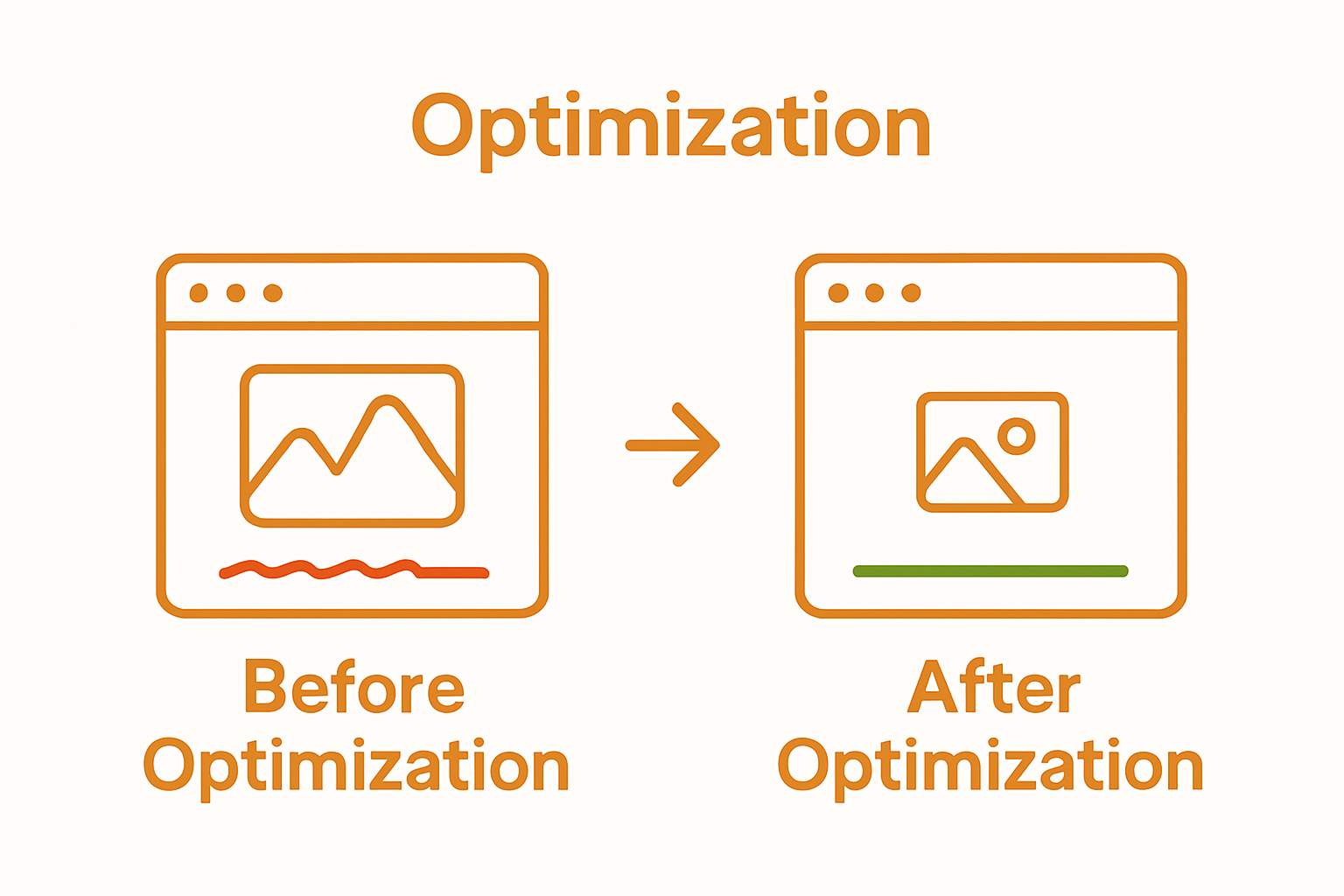 Leverage compression tools such as TinyPNG, ImageOptim, or Squoosh to reduce file sizes while maintaining acceptable image resolution.
Implement responsive image techniques that dynamically serve appropriately sized images based on the user’s device screen. Modern web browsers support the “srcset” attribute, allowing you to provide multiple image versions that automatically adapt to different display sizes. This approach prevents loading unnecessarily large images on smaller screens, significantly reducing bandwidth consumption and improving overall page speed. Consider using next-generation image formats like WebP, which can reduce file sizes by up to 30% compared to traditional JPEG and PNG formats.
Media file optimization extends beyond static images. Videos and animations can be particularly resource-intensive. Embed videos using efficient hosting platforms like YouTube or Vimeo, which automatically optimize video delivery. For animated content, consider lightweight alternatives like CSS animations or lightweight GIF replacements. Learn more about advanced website performance strategies to further enhance your local business website’s speed and user experience. By meticulously optimizing your media files, you create a faster, more engaging online presence that keeps potential customers interested and reduces bounce rates.
The following checklist table helps you verify key optimization steps for images and media files, ensuring your website achieves faster load times and improved user experience.
| Optimization Task | Completion Status | Notes |
|---|---|---|
| Replace large, uncompressed images | Use WebP for efficient compression | |
| Compress images with tools | Try TinyPNG, Squoosh, or ImageOptim | |
| Implement responsive images | Use srcset for device-appropriate sizes | |
| Limit images to max 1MB/2000x2000px | Follow industry guidelines | |
| Optimize and embed videos | Host on YouTube/Vimeo if possible | |
| Reduce media file counts | Only include essential visuals | |
| Test across mobile and desktop | Ensure performance on all platforms |
Step 4: Minimize HTTP Requests and Combine Files
Reducing HTTP requests represents a powerful strategy for accelerating website performance, particularly for local businesses seeking to deliver lightning-fast digital experiences. Every time a browser requests a separate file like CSS, JavaScript, or image assets, it creates additional network overhead that incrementally slows page loading. The goal is to streamline these requests, creating a more efficient data transmission process.
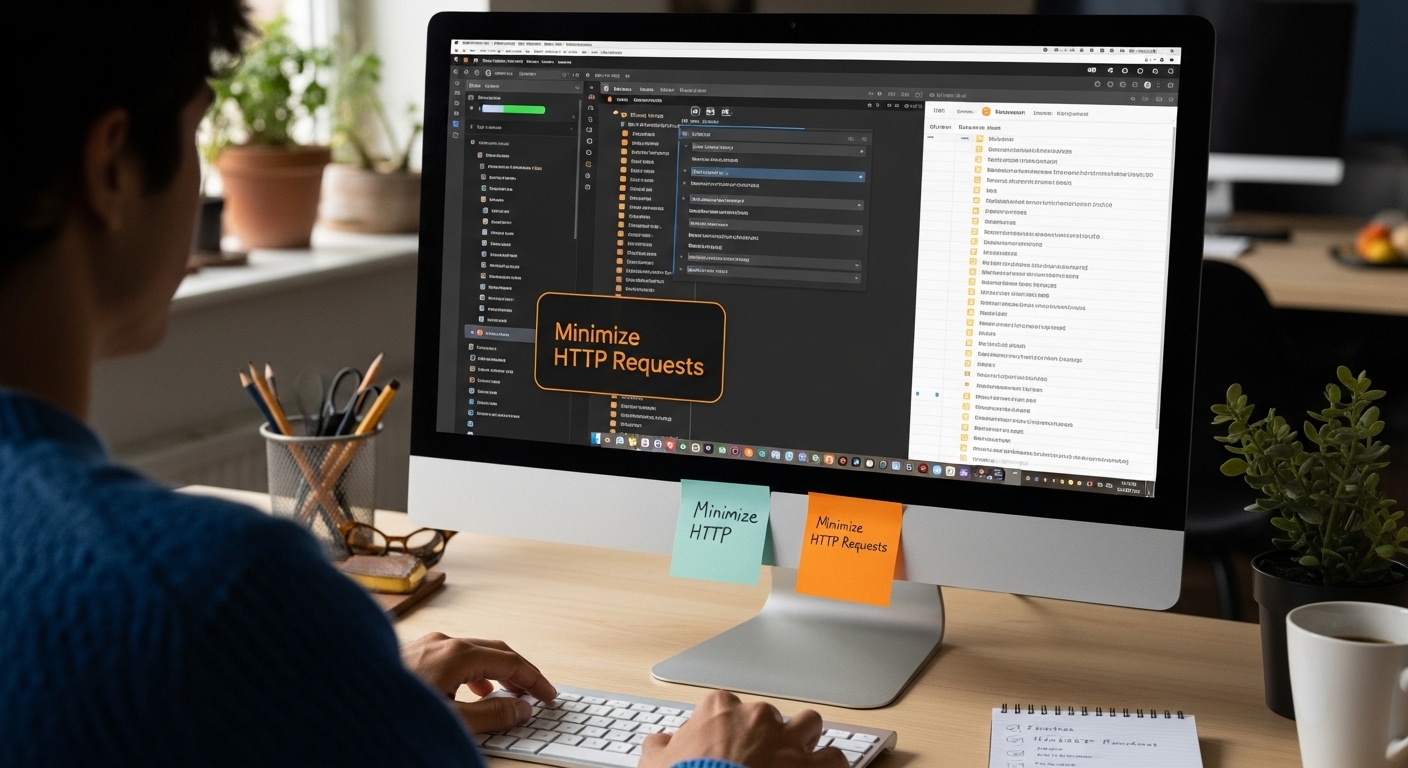
Begin by conducting a comprehensive audit of your website’s current file structure using browser developer tools. Chrome’s Network tab provides a detailed waterfall view revealing the number and duration of individual file requests. Look for opportunities to consolidate multiple CSS and JavaScript files into single, compressed files. Modern bundling tools like Webpack, Gulp, or Parcel can automate this process, intelligently combining and minifying your code without compromising functionality.
Implement CSS and JavaScript concatenation techniques that merge multiple files into unified resources. For CSS, this means combining separate stylesheets into a single file, eliminating redundant code and reducing total file size. Similarly, JavaScript files can be bundled to minimize individual network requests. Google’s Web Fundamentals emphasizes that reducing these requests directly improves the critical rendering path, enabling faster initial page loads and enhanced user experience.
Consider implementing browser caching strategies alongside file minimization. By setting appropriate cache headers, you can instruct browsers to store certain files locally, further reducing unnecessary network requests on subsequent page visits. This approach is particularly effective for static assets like logos, icons, and recurring design elements. Learn more about advanced performance optimization techniques to continue refining your local business website’s speed and efficiency. Thoughtful file management transforms your website from a sluggish performer into a nimble, responsive digital platform that keeps potential customers engaged from the first click.
Step 5: Leverage Browser Caching and CDNs
Browser caching and Content Delivery Networks (CDNs) represent sophisticated techniques that dramatically accelerate website performance for local businesses. These technologies work together to reduce server load and deliver content faster by storing website resources closer to your users. Think of browser caching like a local library branch that keeps frequently requested books readily available, eliminating the need to retrieve them from a distant central library every single time.
Implementing browser caching requires configuring your web server to send specific HTTP headers that instruct browsers how long to store different types of files. Static resources like images, CSS, and JavaScript files can be cached for extended periods, typically ranging from a few days to a month. Use your .htaccess file for Apache servers or configure Nginx settings to define precise caching parameters. Mozilla Developer Network recommends setting different expiration times based on file type, ensuring that critical resources remain fresh while reducing unnecessary network requests.
Content Delivery Networks revolutionize website performance by distributing your website’s static content across multiple global servers. When a user requests your website, the CDN serves files from the geographically closest server, significantly reducing latency. Popular CDN providers like Cloudflare, Amazon CloudFront, and Akamai offer seamless integration for local businesses seeking to optimize their digital presence. These networks not only accelerate content delivery but also provide additional security benefits, protecting your website from potential traffic spikes and potential cyber threats.
Explore our advanced site architecture strategies to further enhance your website’s performance infrastructure. By strategically implementing browser caching and CDN technologies, you transform your local business website into a lightning-fast digital platform that keeps potential customers engaged from the first click, ultimately improving user experience and increasing the likelihood of conversion.
Step 6: Test Website Speed and Verify Improvements
After implementing performance optimization strategies, rigorous testing becomes crucial to validate and quantify your website’s speed improvements. Systematic verification ensures that your technical efforts translate into tangible performance gains. This final step involves comprehensive speed testing across multiple platforms and devices, providing concrete evidence of your website’s enhanced performance.
Utilize a diverse range of performance testing tools to gain a holistic view of your website’s speed. Google PageSpeed Insights remains a gold standard, offering detailed performance metrics for both mobile and desktop experiences. Complement this with additional tools like GTmetrix, Pingdom, and WebPageTest, which provide nuanced insights into loading times, resource consumption, and potential bottlenecks. Pay special attention to key performance indicators such as First Contentful Paint, Time to Interactive, and Total Blocking Time, which directly impact user experience.
Conduct comparative testing by running speed assessments before and after your optimization efforts. A/B testing methodologies can help statistically validate performance improvements, ensuring that your modifications genuinely enhance website speed. Create a structured comparison spreadsheet tracking metrics like load time, page size, and request count. This data-driven approach allows you to demonstrate concrete performance gains to stakeholders and identify any remaining optimization opportunities.
Learn more about conversion optimization strategies that complement website speed improvements. Remember that speed testing is not a one-time event but an ongoing process. Schedule regular performance audits to maintain your website’s efficiency, adapting to evolving web technologies and user expectations. By consistently monitoring and refining your website’s performance, you create a robust digital platform that delivers exceptional user experiences and supports your local business growth.
Unlock Faster Website Speed and Outperform the Competition
Is your local business frustrated by slow website speeds that scare away potential customers before they even see what you offer? You already know that issues like large files, poor server response times, and technical bottlenecks can cripple your online presence. Every second counts and many competitors are just a click away. With real-world proof that slow load times hurt your bottom line, now is the time to solve these challenges for good. For even more actionable tips and deeper strategy, check our expert guides on SEO.
Let Juiced Digital help you turn your slow website into a conversion machine. Our ROI-focused team specializes in high-performance strategies to optimize speed for cannabis, e-commerce, and local businesses who cannot afford to lose customers to delays. Visit Juiced Digital to discover how we can remove speed bottlenecks and accelerate your growth today. If you want to master digital marketing that actually delivers results, explore more on our Digital Marketing page. Act now to secure your place ahead of the competition and win more local business through powerful website performance.
Frequently Asked Questions
How can I assess my website’s current speed?
Start by utilizing free diagnostic tools like Google PageSpeed Insights to analyze your website’s performance across different devices. This tool provides a performance score and detailed insights into areas needing improvement.
What are common bottlenecks that slow down website performance?
Common bottlenecks include large, unoptimized images, excessive HTTP requests, and slow server response times. Analyzing these factors with tools like Chrome Developer Tools can help identify specific issues affecting your site.
How can I optimize images for better website speed?
To optimize images, replace large, uncompressed files with more efficient formats like WebP, compress them using tools like TinyPNG, and implement responsive images to serve appropriately sized visuals based on the user’s device.
What strategies can I use to minimize HTTP requests?
Minimizing HTTP requests can be achieved by combining multiple CSS and JavaScript files into single, compressed files using tools like Webpack. Additionally, implementing browser caching can reduce the number of requests on subsequent page visits.
Recommended
- Top 10 SEO Strategies to Boost Organic Traffic in 2024 – Digital PR Expert | Digital Marketing & Search Leaders
- Site Architecture for SEO: Boost Local and Cannabis Stores 2025 – Digital PR Expert | Digital Marketing & Search Leaders
- SEO for Small Businesses: Grow Local and Online in 2025 – Digital PR Expert | Digital Marketing & Search Leaders
- Top SEO Quick Wins for Cannabis and eCommerce in 2025 – Digital PR Expert | Digital Marketing & Search Leaders
- How to Boost Website Speed in 2025: Proven Tips for SMBs & Marketers
